Farebox 101
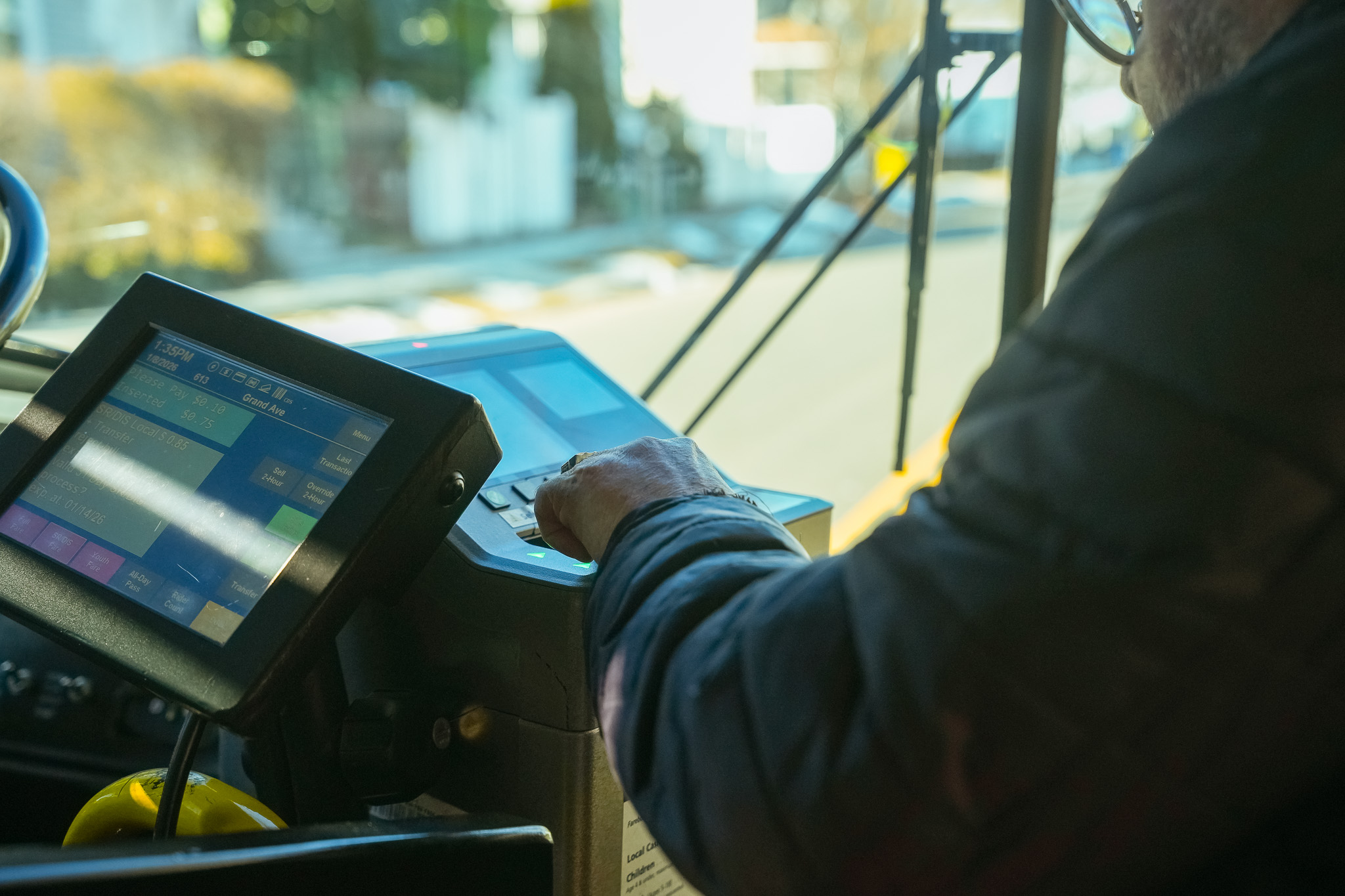
How to Use the Farebox
Choosing Your Pass Before you Pay
Before inserting any money, decide which pass you need:
All-Day Pass
- Press the All-Day Pass button on the farebox
- Next, insert your payment
- For youth or senior/disabled passes, ask the bus operator before paying
Two-Hour Pass (Transfer)
- Press the Two-Hour Pass button, then pay
- Or simply ask the operator when you pay
Paying Your Fare
- Insert exact change only (fareboxes do not give change)
- Each All-Day Pass requires a separate transaction
Using Passes or Tickets
First-Time Use (Activation)
- Insert your pass or 10-ride ticket into the slot
- Make sure the magnetic stripe is facing down and to the right
Already Activated Pass
- Swipe your pass across the top of the farebox
- You can swipe in either direction
- Keep the magnetic stripe facing down and toward you
Using the QR Code on Your Ticket
If you are transferring from a CTfastrak station or using a printed ticket:
- Hold the ticket under the scanner
- Scan the QR code at the red light
- Listen for a tone confirming acceptance
Understanding Your Ticket
- Two-Hour Passes are issued when you pay
- express Passes allow travel across zones based on the fare you paid
- If you travel beyond your zone, you’ll need to pay the difference
Important Tips
- Fareboxes accept one ticket or pass per customer per transaction
- Bus operators and fareboxes do not make change
- Customers using senior/disabled reduced fares must show valid ID (such as a Medicare or state-issued ID)
Need Assistance?
If you are unsure what to do, just ask your bus operator. They are here to help.