










Tools for Customers
Are you ready to use public transit and want easy ways to find your route and schedule?
Here are some simple options that can help you reach your destination on time.
Google Maps
Google's transit planning tool is available via Google Transit and Google Maps, accessible on desktop, mobile, or the Google Maps app. Enter your starting location and destination to view color-coded bus routes, including transfers, with the option to compare multiple routes. Use Schedule Explorer to browse your choices. CTfastrak and CTtransit, Local and Express schedules update in real time on Google Maps.
Transit App for iPhone and Android
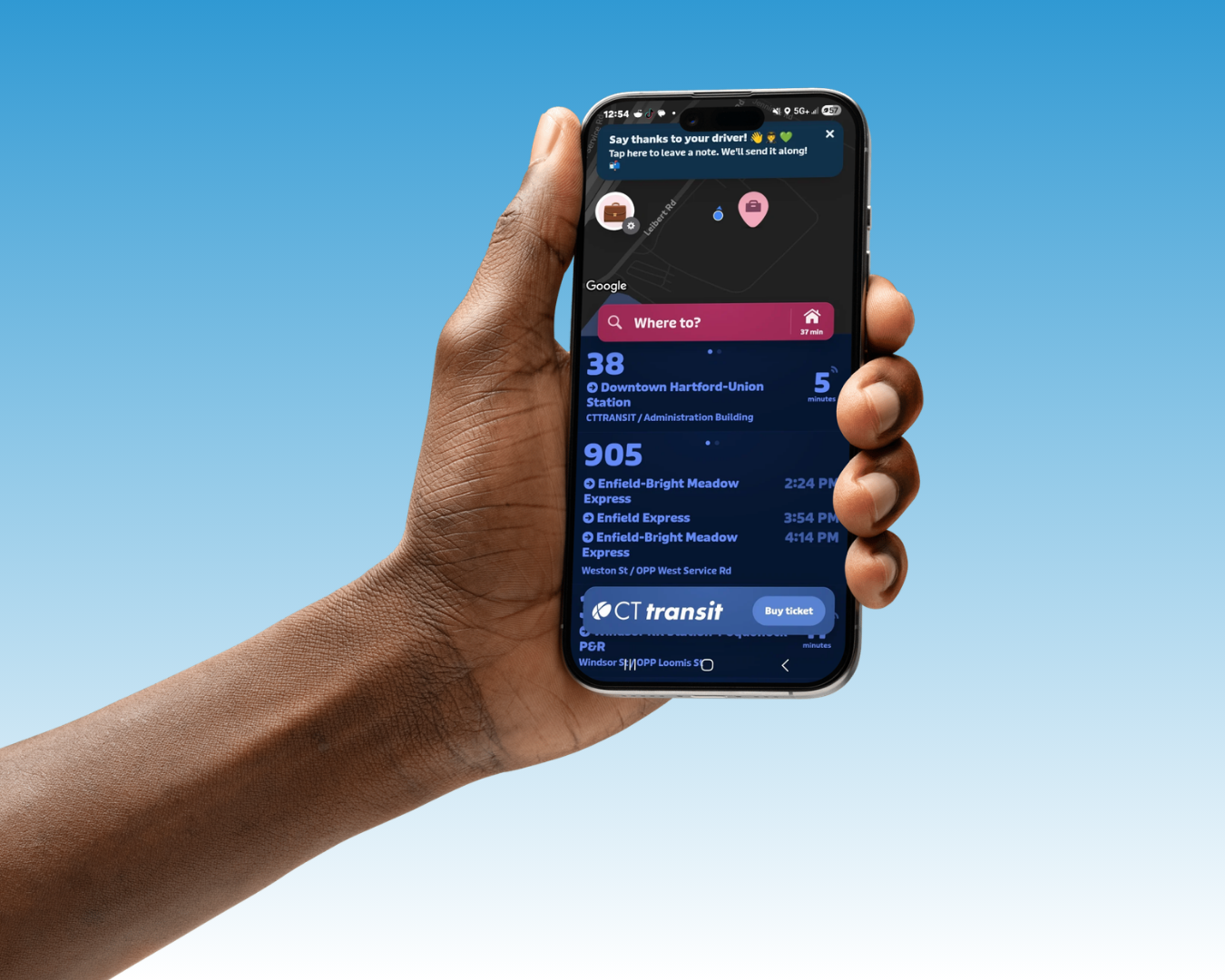
The Transit app, available free from your device's app store, is an easy-to-use route planning tool for smartphone users. Open the app, enter your destination and it will display all available route options. Click any route to view its stops, and use Options to toggle your transit mode. CTfastrak and CTtransit bus times update in real time.
Accessing the Free Wi-Fi on Buses
On your mobile device, connect to CTPASSENGER, accept terms and conditions, and enjoy the internet! Once you’re connected, our Wi-Fi landing page offers a number of rider resources for you.

Get Alerts by Email
CTtransit is pleased to offer alerts via email concerning bus service information that may impact you. This service allows subscribers to receive information about service changes, important transit related meetings or news, detours or parades, holiday schedules and other relevant information that may affect your commute.